.png)
Explore the exciting new features designed to improve your experience with StudentQR!

.png)
.png)
.png)

.png)
What's New at StudentQR
1. Attendance & Anti-Bullying Kiosk
Students can easily record their attendance using the StudentQR app, allowing teachers to monitor attendance efficiently. StudentQR now has a new feature: the anti-bullying kiosk, enabling students to report bullying incidents safely and directly. Once a report is submitted, teachers receive instant notifications, ensuring the school can respond quickly and provide the necessary support.

.png)

2. Face Recognition
StudentQR supports face recognition for QR badges, enabling schools to securely verify student identities. Attendance is tracked accurately in real time and reports are generated automatically, making the process faster and more reliable.
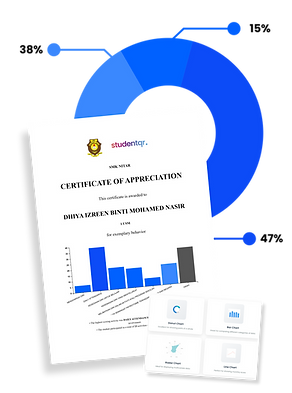
3. Merit & Demerit System
Teachers can easily award merit or demerit points to students using the StudentQR app. Simply scan the student’s QR badge and the points are recorded instantly based on the selected behavior. This system helps teachers evaluate student conduct more fairly and consistently, while all records are automatically stored for the school’s reference.
.png)
.png)
4. Late Attendance Indicator
The StudentQR app automatically flags students who arrive late, giving teachers a clear and instant view of student punctuality. All attendance updates are synced seamlessly to IDME, ensuring accurate records, effortless tracking, and hassle-free reporting for the school.
.png)
6. Absence Reporting by Parent
Parents can effortlessly report their child’s absence using the ParentQR app, instantly notifying teachers. No calls or messages are needed, as the app keeps everyone informed seamlessly and in real time.